
AI & Chill — Issue #003: The 3 Prompts That Write a Week of Captions in Your Voice (While You Sleep)

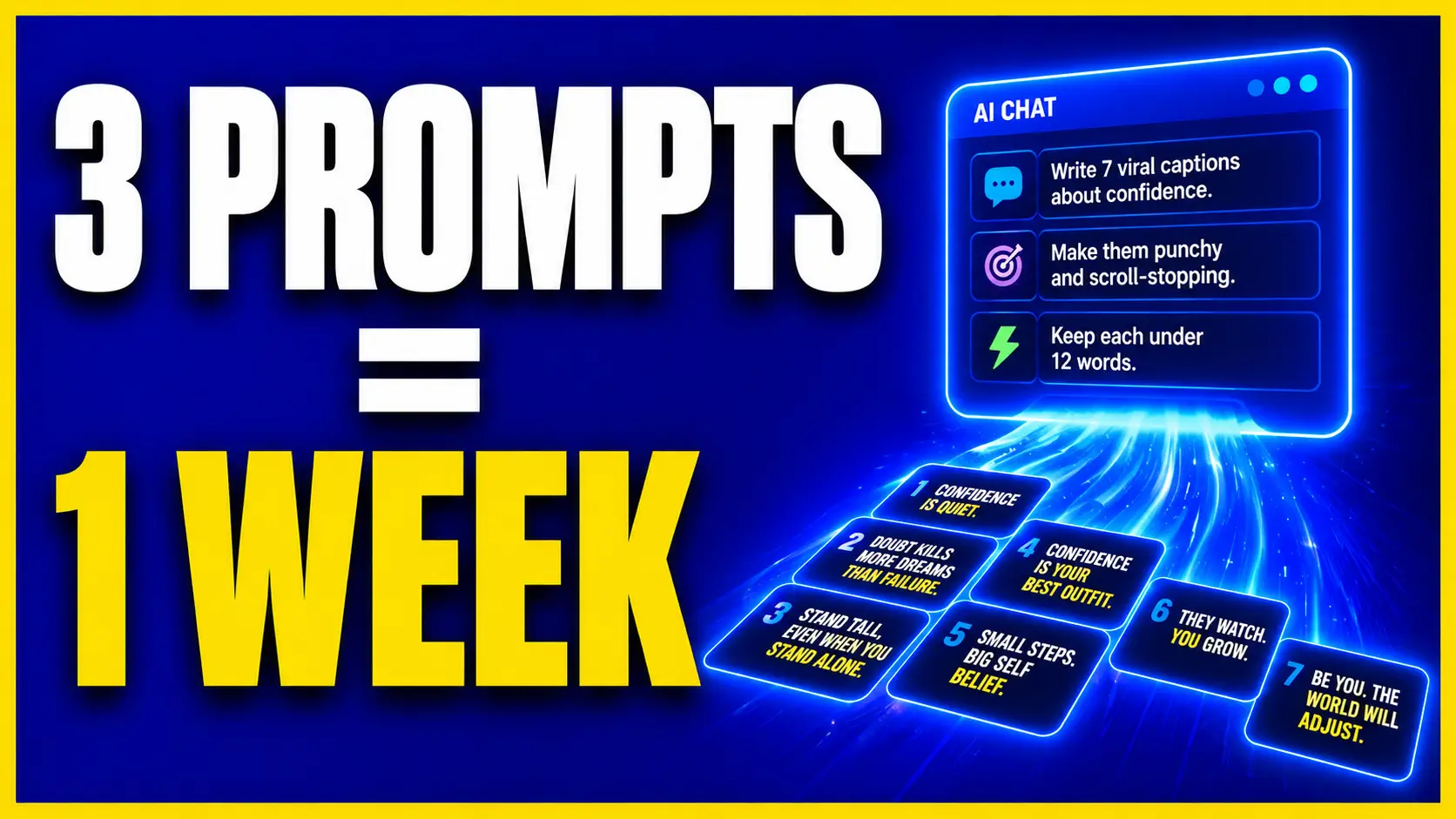
The 3 Prompts That Write a Week of Captions in Your Voice (While You Sleep)
Be honest.
You've opened ChatGPT, asked it to write a caption, and gotten back something so… beige… you closed the tab and wrote it yourself anyway. 🥱
So you decided "AI can't do my voice."
Wrong. You just skipped the one step that makes it sound like YOU.
THE THING NOBODY TOLD YOU
Generic AI writing isn't an AI problem. It's a training problem.
ChatGPT doesn't know your voice until you SHOW it your voice. Feed it nothing, and it defaults to bland corporate mush. But feed it a handful of your best posts first, and it will reverse-engineer your exact tone, rhythm, and swagger — then write in it on command.
That's the whole secret: don't ask AI to sound good. Train it to sound like YOU.
And you can do it with a simple 3-prompt chain that turns one sitting into a full week of captions — hooks, value, and calls-to-action, all in your voice. Set it up once, and it runs while you sleep. Lights. Camera. Automation.™
The 3-Prompt Caption Machine, at a glance
WHY YOU SHOULD CARE (THE NUMBERS DON'T LIE)
- Posting consistently is the #1 predictor of audience growth — and inconsistency almost always comes down to "I didn't have time to write."
- A trained voice profile turns a 60-minute caption-writing grind into about 10 minutes of editing.
- Batch a week at a time and you show up 7 days from ONE sitting — the definition of Create Once. Cash In Forever.™
THE CHILLIFY PLAN (DO THIS THIS WEEK)
Copy these three prompts into ChatGPT, in order. That's the whole machine.
STEP 1 — Run "THE VOICE PRINT."
"Here are 8 of my best-performing captions: [PASTE THEM]. Analyze them and build me a 'Voice Print' — my tone, average sentence length, punctuation habits, emoji use, signature phrases, and the 5 rules an AI must follow to sound exactly like me. Format it as a reusable style guide."
STEP 2 — Run "THE WEEK MACHINE."
"Using this Voice Print: [PASTE IT], write 7 social captions — one per day — on these topics: [LIST YOUR 7]. Each needs a scroll-stopping hook in line one, 2-4 short lines of value, and a clear CTA. Keep it 100% in my voice."
STEP 3 — Run "POLISH & MULTIPLY."
"Take those 7 captions. For each one: sharpen the hook to be more scroll-stopping, give me a 3-word quote-card version, and 5 relevant hashtags. Then flag the single best one to turn into a Reel."
STEP 4 — Save the Voice Print forever. Drop it into ChatGPT's Custom Instructions (or spin up a Custom GPT). Now you never train it again — every future request is already in your voice.
STEP 5 — Batch + schedule. Lightly edit (keep it human), load all 7 into your scheduler, and walk away. A week of presence, built before your coffee's cold. ☕
CHILLIFY MIC-DROP Moment
The old way: stare at a blank caption box every single day until you'd rather clean the garage.
The new way: train your voice ONCE, and let AI hand you a week of you-sounding posts on demand.
AI was never going to replace your voice. It's here to clone it and hand you the week back. 😎
— CoachDeb
FAQ
Q: Can ChatGPT actually write in my brand voice?
Yes — but only if you train it first. When you paste in samples of your own writing and have it build a voice profile, ChatGPT can closely match your tone, rhythm, and signature phrases instead of defaulting to generic text.
Q: How do I train ChatGPT on my voice?
Paste 8-10 of your best captions and ask it to extract a reusable "Voice Print" — your tone, sentence length, punctuation, emoji use, and signature phrases. Then reuse that profile in every future prompt.
Q: Do I need the paid version of ChatGPT?
No. The free tier can run this workflow. Saving your Voice Print in Custom Instructions or a Custom GPT is easier on paid plans, but you can simply paste the profile into any chat on the free plan.
Q: How many captions should I generate at once?
A week — about 7 — per run is the sweet spot. It keeps quality high and gives you enough to lightly edit without the output turning repetitive.
Q: Will AI captions sound robotic or generic?
Not if you feed it a Voice Print and do a light human edit. The training step is what removes the "beige AI" feel; a quick pass to add a personal detail seals it.
P.S. — Inside the AI Chillify Club™ you get my plug-and-play Voice Print prompts, the Custom GPT setup walkthrough, and a whole vault of caption frameworks — so your content sounds like YOU on autopilot, every week. Stop staring at the blank box. Come get your unfair advantage. 🎤⚡
Next issue (Monday): the AEO move that gets your brand quoted by ChatGPT before your competitors even know the game changed.